
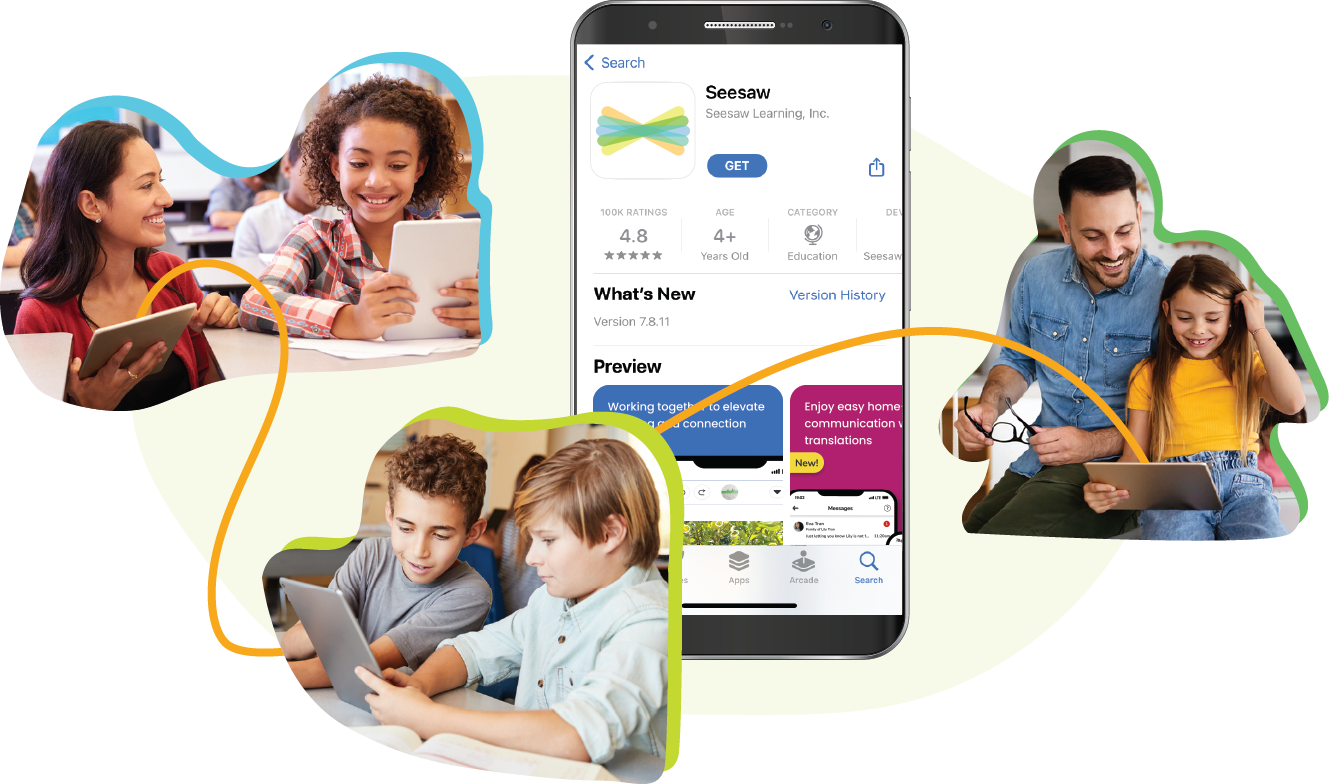
Learn about the Seesaw App!
The only tool you need to engage with, support, and communicate about your child’s learning
Steps to Get Connected
Look for a printed, email, or text invite and follow instructions!
- Download the Seesaw app or go to app.seesaw.me in a web browser
- Click ‘I’m a Family Member’
- Printed Invites: Scan the QR code
- Text/Email Invites: Click the link
- Follow the prompts to create an account or sign in